Insights
What happens to your content, forms and editors in a WordPress to Next.js migration?
What good looks likeBy Whitelam Media7 min read
All insightsA step-by-step guide to what happens to your pages, posts, forms, plugins and editors when a WordPress site moves to Next.js, Payload CMS, Neon and Vercel. It covers the inventory, the content mapping, cutover day and a rollback plan.
Moving from WordPress to Next.js sounds like a job for developers. But owners ask about their own material. Will our project pages survive? Will the quote form still reach the right inbox? Can our team still update the site? This guide walks through each, step by step, in the order we work on a website rebuild.
Step 1: List everything the old site holds.
Before anything moves, write it all down. A good inventory covers:
- Pages: every published page, including the ones nobody links to anymore
- Posts: news, insights and case studies, with their categories and tags
- Media: images, PDFs, spec sheets and videos, plus the alt text on each
- Forms: every contact, quote, careers and download form, and where each one sends its entries
- Users: who logs in today and what each person actually does
- Plugins: every active plugin and the job it does
The plugin list matters most. Each plugin is a job the site does today, and each job needs a new home. It is also where surprises hide, such as a page builder that wraps every paragraph in shortcodes.
We also pull every URL and its traffic, to see which pages bring in inquiries and which can retire.
Step 2: Map WordPress content into Payload collections.
In Payload CMS, content lives in collections. Each collection is one type of thing with its own fields, and the data sits in a Postgres database on Neon. The mapping usually looks like this:
- WordPress pages become a Pages collection, built from blocks your editors arrange
- Posts become an Insights or News collection, with categories as a linked collection
- The media library becomes a Media collection, with alt text carried across
- Custom post types such as projects, team members and offices become their own collections with proper fields
That last point is where firms gain most. On many WordPress sites a project page is one long page-builder layout. In Payload a project can have set fields for sector, location, client type, services and photos. Your editors fill in a form and the site lays it out the same way every time. For contractors and engineers, that structure makes a project list easy to filter and easy for search engines and AI tools to read.
Content locked inside page-builder shortcodes does not move cleanly. Some moves by script; the rest gets rebuilt by hand into blocks. The inventory tells you how much of each to expect.
Step 3: Give every plugin job a new home.
Most plugin jobs land in one of three places: a Payload plugin your team manages in the admin, code in the Next.js site or the Vercel platform. Payload's official Form Builder plugin is built to "allow admin editors to build and manage forms within the admin panel." Its SEO plugin puts titles and descriptions in the admin, and Payload's own documentation compares it to Yoast SEO. Firewall protection moves to the Vercel WAF, where Vercel says a rule change takes effect globally within 300ms and can be rolled back.
| Plugin job | Typical WordPress plugin | What does the job after the move | Who looks after it |
|---|---|---|---|
| Contact and quote forms | Contact Form 7, Gravity Forms | Payload Form Builder plugin, with entries saved in the admin | Your editors change fields and recipients; we build the form blocks |
| SEO titles and descriptions | Yoast SEO | Payload SEO plugin, as an SEO tab on each page | Your editors fill it in; we set sensible defaults |
| Redirects | Redirection | Redirect rules in the Next.js site | We build the map; you check your most important pages |
| Caching and speed | WP Rocket, W3 Total Cache | Pages built by Next.js and served from Vercel's network | Part of the platform; no plugin to manage |
| Firewall and login security | Wordfence | Vercel WAF, plus user roles in Payload | Vercel runs the firewall; we set the rules and roles |
| Page layouts | Elementor, Divi | Blocks defined in Payload collections | We build the blocks; your editors arrange them |
| More than one language | WPML, Polylang | Payload localization on each field | Your editors or translators fill in each language |
Before launch we send a test entry from every form and confirm it reaches the right inbox and CRM. A lost quote request is the costliest migration mistake and the quietest.
Step 4: Train your editors on the new admin.
Payload's admin is a web login, much like WordPress. Each page type has its own fields, so there are fewer ways to break a layout. Training works best when it follows real tasks:
- Add a new project with photos
- Publish a news post and set its SEO title
- Change who receives quote form emails
- Swap a team member's photo and title
Each person gets a fresh login and a role that matches their work. Old WordPress accounts are not copied across, so people who left years ago drop off. Training happens on a preview copy with real content, so mistakes cost nothing.
Step 5: Move hosting to Vercel and plan cutover day.
The new site is built and reviewed on a Vercel preview address while WordPress keeps running. Cutover day follows a script:
- Agree a content freeze so nobody edits WordPress in the final days
- Run a last content sync to catch anything published since the first import
- Load the redirect map from every old URL to its new home
- Point the domain at Vercel and confirm the security certificate
- Submit every form, check the key pages and resubmit the sitemap in Google Search Console
The rollback plan has two layers. If a release on the new site goes wrong, Vercel's Instant Rollback returns to an earlier production deployment, and Vercel says "The rollback happens instantaneously." If something bigger goes wrong, the old WordPress site stays untouched on its old host, so the domain can be pointed back until the new site has run clean.
Every old URL that changes needs a permanent redirect. Next.js redirects can return a 308 permanent status, and the Next.js docs note a limit of 1,024 redirects on Vercel, so sites with more old URLs need a custom setup. Nobody can promise that rankings will hold through a move. Careful redirects, matching titles and a close watch on Search Console give them the best chance. The full process is in how to move off WordPress and keep your Google rankings.
Step 6: What sets the timeline.
We don't quote a standard duration, because the same few things decide it every time:
- How many pages and posts there are, and how many custom post types hold project or team data
- How much content sits inside page-builder shortcodes
- How many forms there are and which systems they feed
- How many languages the site runs in
- Whether content moves as it is or gets rewritten on the way
- How fast your team can review and sign off pages
Sign-off is the one you control most: one named person who can approve pages quickly keeps things moving.
Proof: Iknow LLC in four languages.
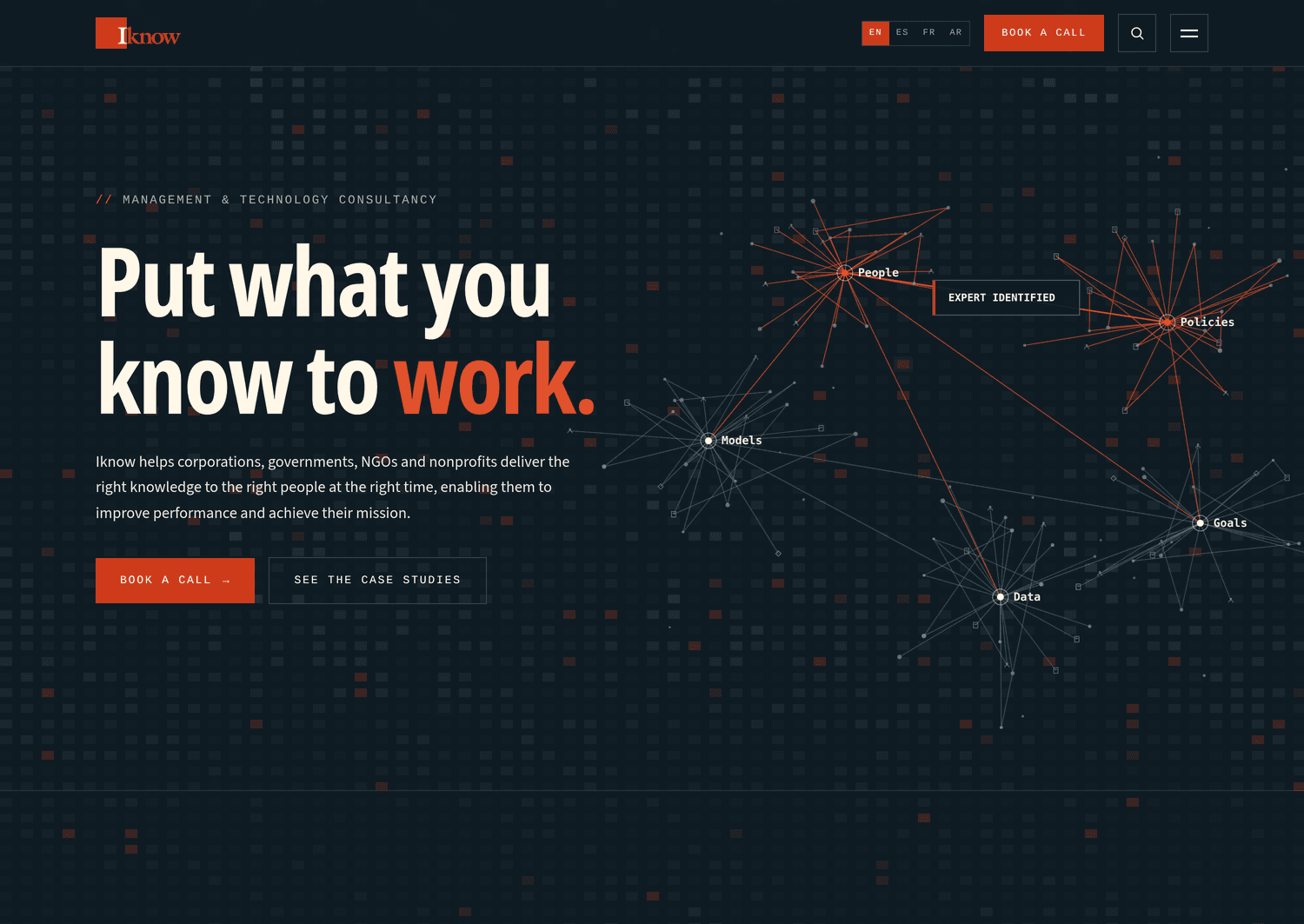
Iknow LLC's site at iknow.us was rebuilt by Whitelam Media on Next.js, Payload, Neon and Vercel and launched in September 2026. It runs in four languages, one of them Arabic. Arabic reads right to left, so content, layout and editing all had to work in both directions from the same admin. The Iknow project page shows the finished site, and our write-up on the multilingual Arabic build covers how the languages were handled.
Where to start.
If you are weighing a move, start with what you have. Our free Website Health Check shows how outdated and exposed your current site is, including the plugins it depends on. If you already want Next.js and Payload, see how we build and run business websites on that stack. Or see how a website rebuild runs from inventory to cutover day.