Insights
How should your firm's website be organized so buyers find the right page?
What good looks likeBy Whitelam Media6 min read
All insightsMost firm websites grow by accident until buyers and Google can't find the right page. Here is a plain structure for services, sectors, locations, projects, menus and URLs, plus how to keep your rankings when you reorganize.
Most firm websites grow by accident. A page goes up for a new service. A big job gets posted as a news item. Someone adds a menu link for a trade show and nobody takes it down. A few years later a buyer searching for one specific thing lands on the wrong page, can't see what they came for and leaves.
Google gets confused the same way. It sends people to whichever page looks closest, even when that page is a poor fit. The fix is a structure that follows how buyers shop for firms like yours. Here is the one we use for construction, engineering, maritime, energy and other B2B firms, in the order we build it.
Give every service you want to sell its own page.
A buyer searching for "Phase I environmental site assessment" or "heavy lift for transformer installs" wants a page about that one thing. If all your services sit on one long "What we do" page, Google has nothing specific to send them to. The buyer has to scroll to find out whether you do it at all.
Each service you want more work in should have its own page that covers:
- what the service is, in the words buyers type into Google
- who it is for and the size of job you take on
- projects where you delivered it
- who to call and what happens after they get in touch
A service that brings in little work and that you don't want to grow can stay as a line on a broader page. Separate pages are for the work you want to win.
Add sector pages when buyers shop by industry.
Many firms sell the same service into different industries. A geotechnical engineer might work for ports, highways and housing developers. Those buyers care about different things. A port authority wants marine experience and permits. A housing developer wants speed and a firm price.
A sector page gathers everything for one kind of buyer: the services they use, projects in their sector and the standards and approvals that matter to them. The service page answers "do you do this?" The sector page answers "have you done it for people like us?"
Keep the list honest. Three strong sector pages will do more for you than ten thin ones. If you have no projects to show in a sector yet, you are not ready for that page.
Build location pages only where you really work.
Location pages are one of the most abused parts of business websites. The old trick was to copy one page fifty times and swap the city name. Search Engine Land describes pages built only to rank for a city plus a service as doorway pages, even when each one has its own text. Google's spam policies warn that sites breaking its rules may rank lower or not appear in results at all.
A location page earns its place when you have something real there: an office, a yard, a crew, a run of local projects or state and local licenses. Then the page can show the address, the people, the local work and the agencies you deal with. If you only travel to a city for the odd job, list it on a single "Where we work" page and leave it there.
Link every project to the services and sectors it proves.
Project pages are your evidence, and many firms bury them in a photo gallery with a name and a date. Each project page should say what you did, for what kind of client and what the result was. Then it should link to the service pages and the sector page it belongs to.
The links should run both ways. Every service page and sector page should show its matching projects. A buyer reading about your marine construction work sees the three marine jobs you finished last year without hunting for them. Google sees which pages belong together. We cover how to write these pages in turning your project list into pages that win work.
This is easier when the website is built for it. On the sites we build with Next.js and Payload CMS, services, sectors and projects are separate content types linked to each other. Your team tags a new project with its services and sector once, and it shows up on every page it should.
Build menus around how buyers think.
Your main menu is a summary of your business. The Nielsen Norman Group says the main navigation should let a first-time visitor infer what the company does and what it offers. Labels like "Resources" or "Media" fail that test. They name a type of content and say nothing about the work you do.
Don't hide everything under one label either. Nielsen Norman Group points to a large consulting firm that put a wide range of work under a single "Services" item, and found it reduced findability and made people open and scan menus that turned out to be wrong for them.
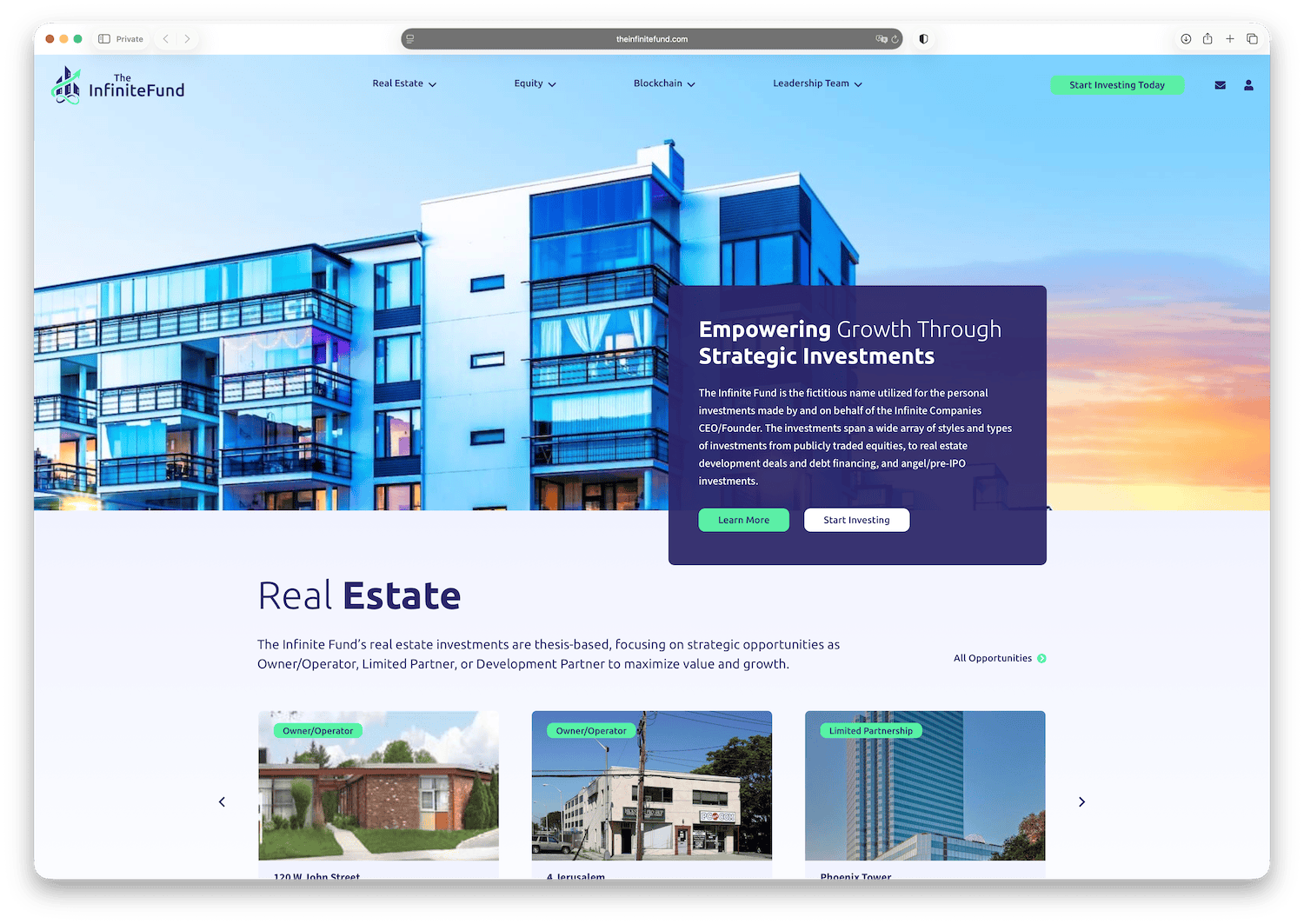
For most B2B firms a main menu that works looks like this:
- Services, with each service listed in the dropdown
- Sectors, with each industry you serve
- Projects, filterable by service and sector
- About, covering your team, safety record and certifications
- Contact, as a clear button
Use the words your buyers use. If they say "site work", don't call it "civil solutions". Careers, news and downloads can live in the footer. Google's John Mueller has said a footer link is treated the same as a link in the body of the page, so moving pages there doesn't hide them from search.
Keep URLs short and plain.
A web address should tell a person what is on the page before they click. A simple pattern that follows the structure above:
- /services/structural-engineering
- /sectors/ports-and-harbors
- /projects/pier-12-rehabilitation
- /locations/houston
Use lowercase words separated by hyphens, which has long been Google's stated preference over underscores. Leave out dates, ID numbers and addresses like "?page_id=482". Don't let your site change what a page shows using a "#" in the address. Google's own guidance says it generally doesn't support URL fragments, and its ecommerce guide notes that two addresses differing only after the "#" are treated as the same page.
Pick the pattern once and stick to it. Every address you change later needs a redirect.
Keep your old pages and redirects during a rebuild.
Many firms reorganize their site as part of a rebuild, and that is where rankings get lost. Before anything moves, list every page that gets search traffic or links from other sites. Decide where each one belongs in the new structure. Then set a permanent redirect from every old address to its new home. We walk through the full process in how to move off WordPress and keep your Google rankings.
Nobody can promise your rankings will hold through a move, and anyone who does is guessing. A complete redirect map gives you the best chance.
If your current site has grown into something buyers can't find their way through, our website rebuild service puts this structure in place on Next.js, Payload, Neon and Vercel, with every old address mapped. You can see a finished rebuild in our iknow.us project, launched in September 2026. Not sure where your site stands? The free Website Health Check shows how outdated and exposed it is. Once the structure is right, our SEO Growth Program builds out the service, sector and project pages that bring in inquiries.