Insights
What an architecture firm website costs in 2026.
What good looks likeBy Whitelam Media7 min read
All insightsWhat an architecture practice website costs depends on portfolio size, sector pages, how many people edit the CMS and your RFP pages. Here is what moves the price, what running the site costs after launch and what not to pay for.
An architecture practice usually asks about price before it shortlists a studio. That is a fair question. The honest answer is that the price depends on things you can already see in your own office: how many projects you want to show, how you win work and who will keep the site up to date.
This post walks through those drivers, points you to the prices we publish and explains what it costs to run the site after launch. It is written for a practice owner budgeting a rebuild.
What moves the price for an architecture practice.
- Portfolio size and image handling. Architecture sites live on photography. Fifty projects with twenty large images each is a different job from a dozen hero projects. The build has to resize, crop and serve those images quickly on a phone without losing the quality your photographer delivered. Someone has to set the rules for each image type.
- Project pages by sector. Most practices sell by sector: healthcare, education, workplace, residential or civic. Project pages that filter by sector, location and service take more design and CMS setup than one long gallery. They also match how buyers search, by building type.
- Team and award pages. Bios, licenses and awards change often. If each one is its own record in the CMS, the site stays current without a developer. That setup costs a little more at the start.
- How many people edit the CMS. One marketing coordinator needs a simple editor. A practice with several studios and many editors needs roles, drafts and approvals. Payload CMS handles roles and drafts and it is open source, so there is no license fee per editor. The work is in setting it up around how your office signs off content.
- RFP and qualifications pages. If public and institutional clients find you through RFPs, you need pages that answer what selection committees ask: relevant projects, team, process and certifications. Our architecture RFP checklist lists what those pages should cover.
- Content you already have. Moving projects from an old WordPress site is quicker when the text and images are clean. If write-ups need rewriting or photos need replacing, plan for that time.
Our price bands come from our own pricing page.
We publish our prices so you can budget before you call. Our pricing page lists a fixed starting price for each level of build, a monthly fee for hosting and support and the monthly fee for the SEO Growth Program. We don't quote market averages in this post. We haven't found a survey of architecture website prices we would trust, and we won't make one up.
Here is how practices usually map to those levels:
- A smaller practice with a focused portfolio and one editor usually fits our entry level build.
- A practice with sector pages, several editors and RFP pages usually sits in the middle.
- A multi-office practice with many editors, integrations or more than one language sits at the top or needs a custom quote.
If your practice works alongside contractors, our construction website cost post shows how the same drivers play out for a builder. The logic is similar. Architecture sites lean harder on images and sector pages.
Who does what on an architecture rebuild.
Price is also about who does the work. Some of it sits with your office, and the more of it you have ready, the faster and cheaper the build. The table below is the split we use with practices. It holds no prices; those sit on our pricing page.
| Item | Your practice | Whitelam Media | Effect on budget |
|---|---|---|---|
| Project photography | Supplies final images and photo credits | Sets image sizes, cropping and fast loading | Higher with a large archive |
| Project pages by sector | Chooses sectors and hero projects | Designs filters and the project template in the CMS | Higher with many sectors and filters |
| Project write-ups | Approves facts, client names and awards | Writes or edits copy if asked | Higher if copy starts from scratch |
| Team and award pages | Supplies bios, licenses and the award list | Builds records editors can update | Small |
| CMS editors and approvals | Names editors and who signs off | Sets up roles and drafts in Payload | Higher with several studios |
| RFP and qualifications pages | Shares recent RFP questions | Builds pages that answer them | Medium |
| Moving old content | Decides what to keep | Moves pages and redirects old URLs | Higher with a large old site |
| Launch checks | Reviews the staging site | Tests speed, accessibility and search setup | Part of every build |
Running costs after launch.
The build is a one-off cost. Running the site is a monthly one. A site on our stack has three parts to run:
- Hosting on Vercel. Vercel's Pro plan is listed at $20 a month per deploying seat in a 2026 breakdown by FocusReactive, with usage charges above the included allowance.
- Payload CMS. It is open source, so there is no license fee. It runs inside the site itself.
- Neon. This is the database that stores your projects, pages and team records.
Our monthly hosting and support fee, shown on our pricing page, covers looking after these, plus updates and fixes. Whoever you hire, ask whether hosting is billed to you directly or bundled into support, and who answers when something breaks on a Friday evening.
Compare that with what an old WordPress site quietly costs: premium plugin renewals, security patches and the hours someone spends fixing updates that break the layout. Those costs rarely show up on one invoice, which is why they get missed.
What not to pay for.
- A custom CMS built from scratch. Payload already does what a practice needs.
- Heavy animation on the portfolio. Buyers want to see your buildings quickly.
- Dozens of templates. Most practices need a handful: home, sector, project, team, news and contact.
- Ranking promises. Nobody can promise a place on Google or in AI answers. Anyone who does is guessing.
- Extra hosting add-ons and security plugins that the platform already covers.
Getting found is a separate line from the build. Our SEO Growth Program is a 6 to 12 month monthly program aimed at bringing inquiries from Google and AI search, and its price is on our pricing page. If you want to know whether AI tools name your practice when a client asks for an architect, start with our Free Search Check.
If you design for cities and counties, you know they face ADA Title II website deadlines. Our ADA website compliance program is built for those public bodies. For your own site, we test accessibility before launch as part of the build.
How long a rebuild takes.
A rebuild runs in four stages: a content audit, design of the key templates, the build and content move, then review and launch. How long it takes depends mostly on how fast content and images arrive and how many people need to sign off. For most practices the slowest part is project write-ups and photo selection.
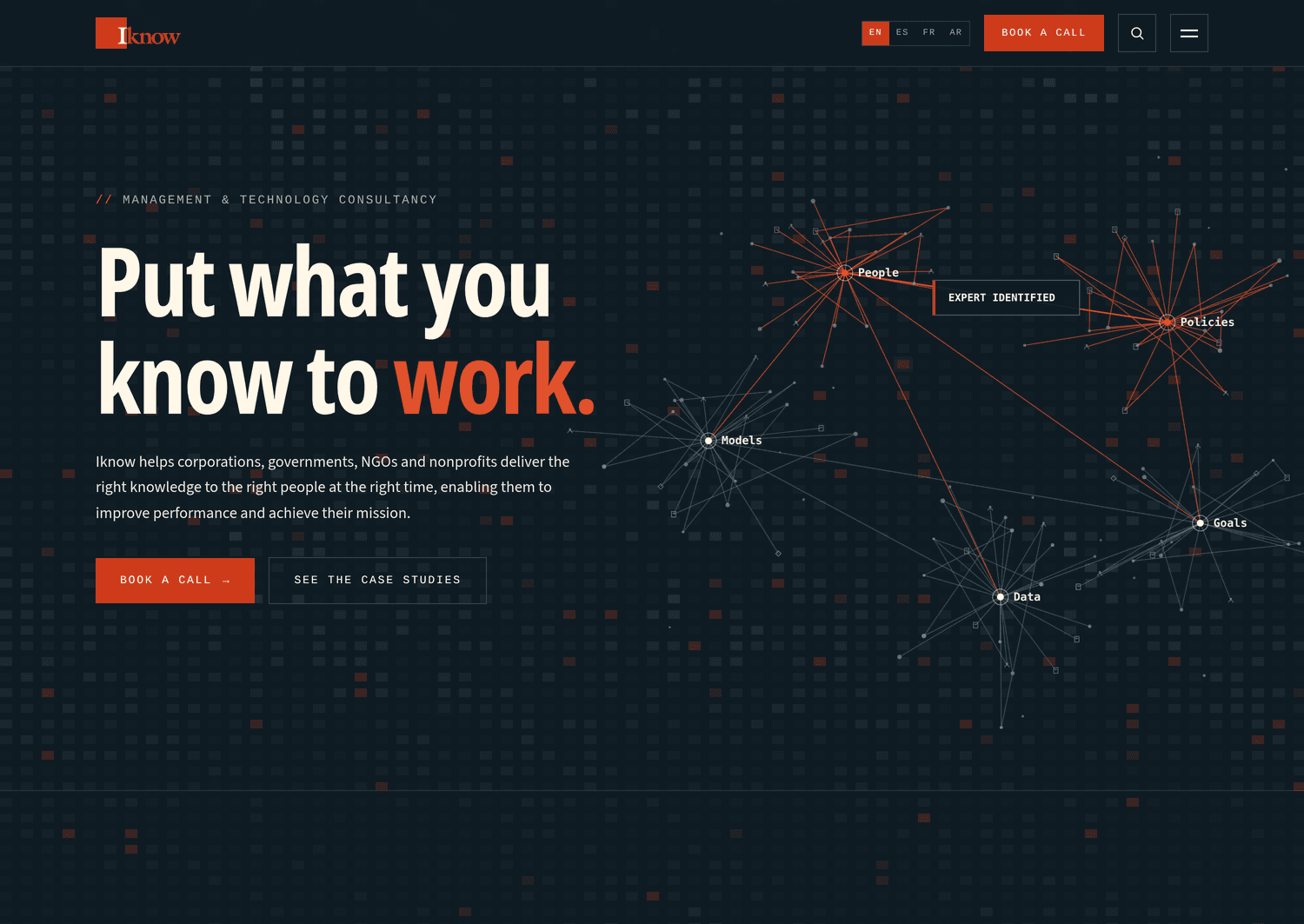
We rebuilt iknow.us for Iknow LLC on Next.js, Payload, Neon and Vercel and launched it in September 2026. It went through the same stages: audit, templates, content move, redirects and launch. That is the process we would run for your practice through our website rebuild service.
If you already run Next.js or Payload, or want to, our Next.js and Payload CMS agency page explains how we build and run those sites.
Where to start.
Start with our free Website Health Check. It shows how outdated and exposed your current site is, which tells you whether you need a full rebuild or a smaller fix. Then look at our architecture website design page to see what we build for practices, and book a call when you are ready to talk through your portfolio and budget.