Insights
What should a crane or heavy-lift company website show buyers?
What good looks likeBy Whitelam Media5 min read
All insightsA crane or heavy-lift company website should show what each machine can lift, your safety record in numbers and projects written up with weights and site constraints. Add an inquiry form that asks for the lift details, and a buyer can shortlist you without a phone call.
Buyers check your website before they call.
A project manager sourcing a 500-ton crawler crane for a module lift has a deadline, a load chart to check and a safety record to verify. If your website can't answer those quickly, they move to the next firm on the list.
Many crane and heavy construction websites fail that test. They show a hero image of a generic lattice boom, list a handful of services in vague language and bury the fleet in a PDF. That is the gap this post addresses.
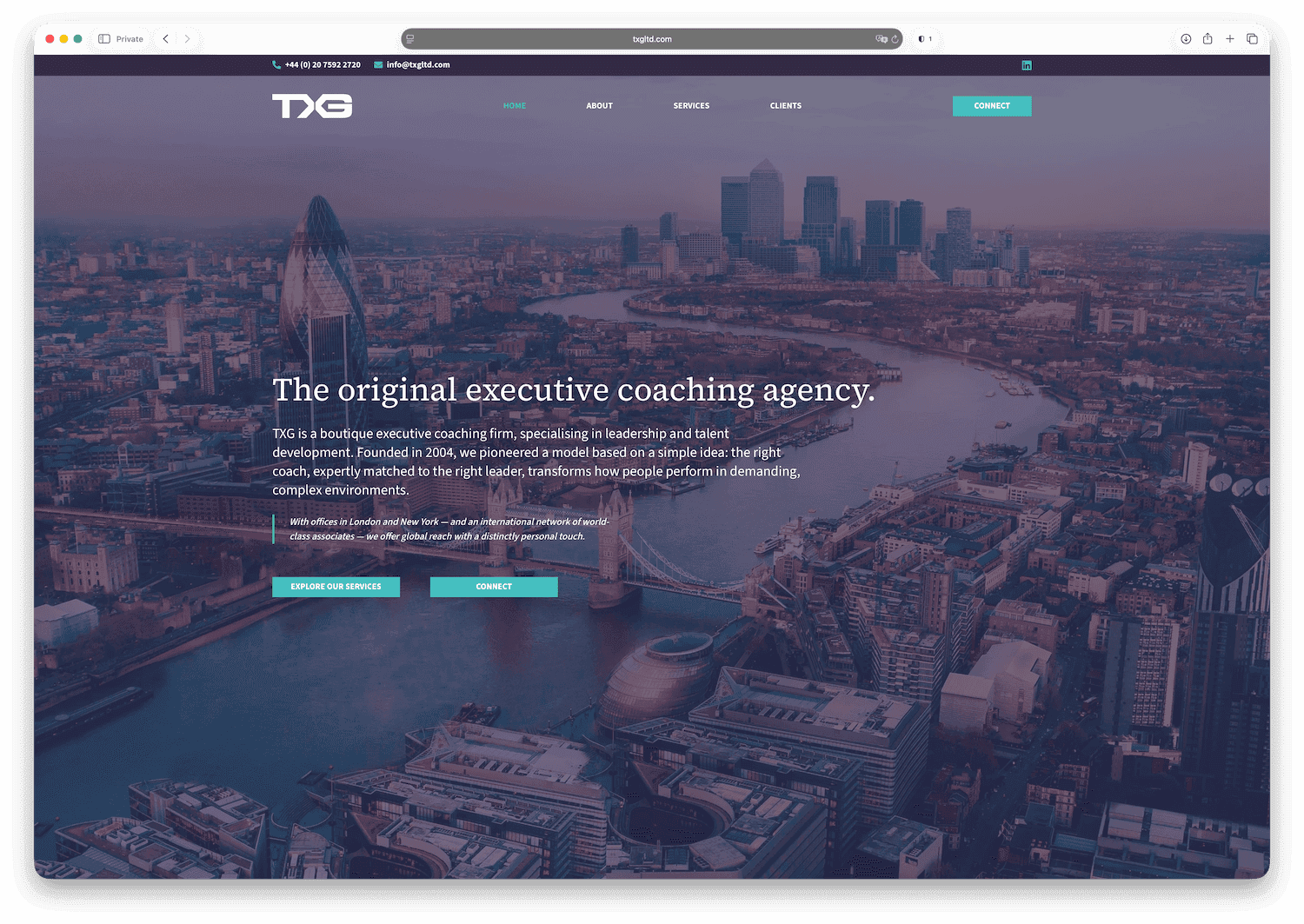
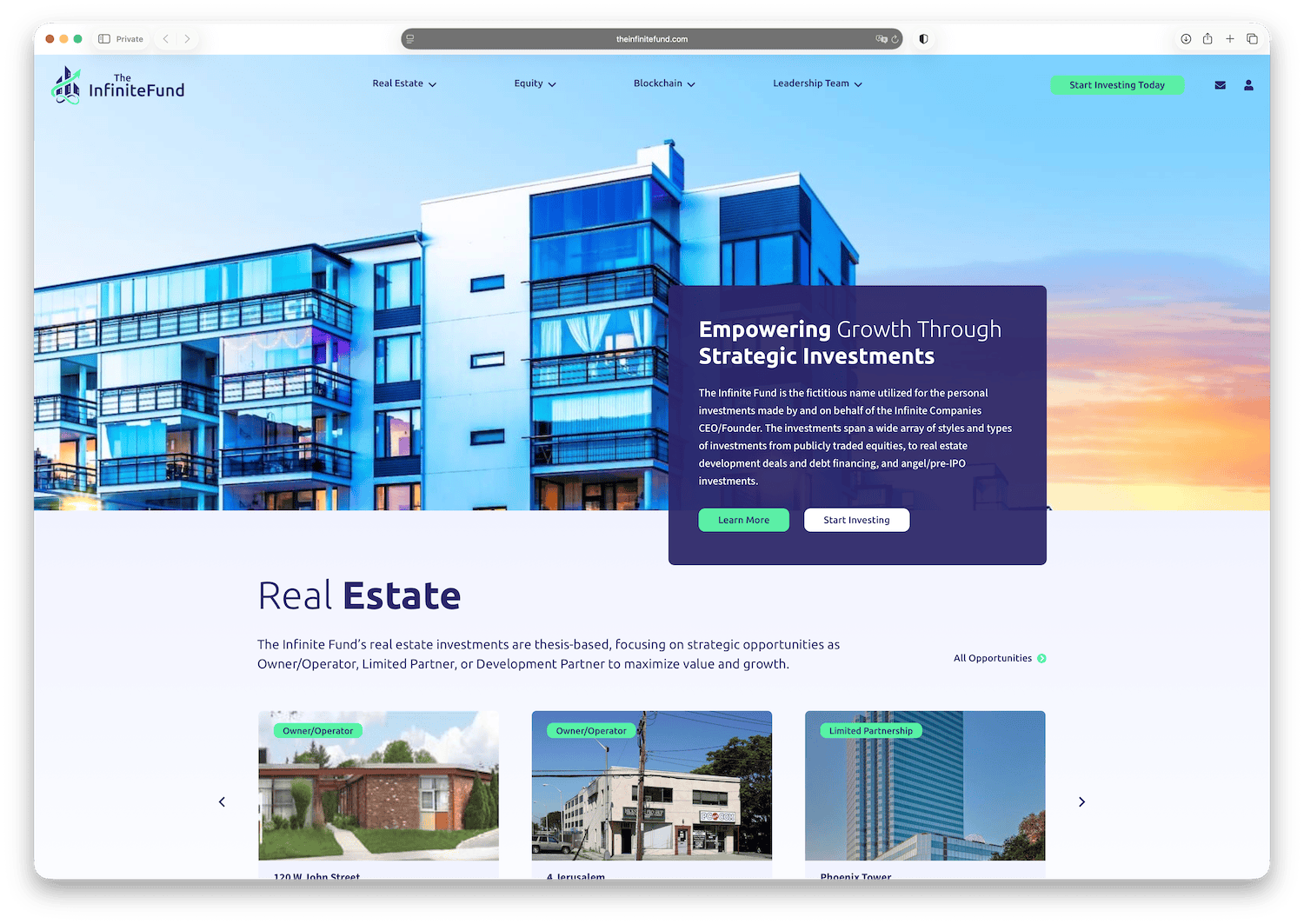
If you want to see how the strongest firms in this sector are presenting themselves right now, the full benchmark is at our benchmark of the ten best crane and heavy-lift websites. What follows is the design logic behind what the best of them get right.
Buyers check capacity, safety, similar work and reach.
Heavy construction and crane clients are operators, engineers and project owners. They check four things in roughly this order.
Can you lift it? Maximum capacity, boom configuration and reach. If your site does not show this, they assume the answer is no.
Are you safe? EMR (Experience Modification Rate), OSHA incident rates, certification bodies. A single number here does more work than three paragraphs of copy.
Have you done something similar? Project case studies with tonnage, height, access constraints and outcome.
Can you mobilize? Operating radius, owned versus rented fleet, transport support and ground bearing pressures.
Your website architecture should map directly to these four questions.
Give each class of equipment its own fleet page.
Most crane company websites list equipment by brand and model number. That is the minimum. Buyers want to know:
- Maximum rated capacity at a given radius
- Boom and jib configurations available
- Transport weight and required pad size
- Whether the unit is owned or subcontracted
- Availability and booking lead time
A dedicated fleet page per major asset class (crawler cranes, mobile cranes, SPMTs, hydraulic gantries) with filterable specs outperforms a single table. Each page should include at least one real project photograph showing the unit working, not parked.
If you have load charts, link to them directly. Hiding technical documentation behind a contact form adds friction for the exact buyer you want to reach.
Publish your safety numbers.
Crane and heavy lift work is regulated, audited and insured heavily. Buyers know this. Listing that you are "committed to safety" communicates nothing. Showing an EMR of 0.62 and a five-year zero-recordable record communicates a great deal.
Useful things to show on the website:
- Current EMR with the reference period
- How many of your operators hold NCCCO or equivalent certification (OSHA requires crane operators on construction sites to be trained, certified or licensed and evaluated)
- ISNetworld, Avetta or Veriforce prequalification status
- Specific client safety programs you take part in (oil and gas operators, utilities)
- Any third-party audits or awards with the issuing body named
This content belongs on a dedicated Safety page and should be summarized on the homepage.
Write up projects with weights and site constraints.
A case study that says "1,200-ton reactor lift, 46-foot outreach over live process equipment, completed in a single 16-hour window" tells a buyer more than a general testimonial from a project manager.
Each case study should answer:
- What was lifted (weight, dimensions, sensitivity)
- What made it difficult (site access, overhead constraints, ground conditions, weather window)
- What equipment configuration was used
- What the outcome was (completed on schedule, within ground bearing limits)
Three to five strong case studies outperform twenty thin ones. Include real photographs. If the client restricts photography, a diagram with dimensions still communicates more than nothing.
Use the technical terms your buyers use.
A common mistake when redesigning a crane company website is "simplifying" the language for a general audience. Your buyers are not a general audience. They know the difference between a luffing jib and a fixed jib. They know what outrigger loading means.
Using correct technical language signals competence. It also helps with search. Searches like "500 ton crawler crane rental" or "SPMT transport contractor" come from buyers who know exactly what they need. Your pages should use the same words.
This is one of the core points in the sector benchmarking work at our nine-sector landing page review: each sector's buyers need pages written in their own terms.
Six pages cover what a buyer needs.
For a crane or heavy construction firm, the site structure that works is straightforward.
Homepage. Capacity summary, safety headline number, three to five project references, clear call to action.
Fleet. One page per asset class. Filterable by capacity. Links to load charts.
Projects. Case studies filterable by sector (oil and gas, power, civil, marine, industrial) and by lift weight.
Safety. EMR, certifications, prequalification status, audit history.
About. Company history, key personnel, operating geography, which equipment you own and which you rent in, your insurance limits and whether you supply operators and rigging crews or rent machines bare.
Contact / Inquiry. A short form asking for lift weight, location, approximate date and any access constraints. This pre-qualifies inquiries and saves your team time.
The inquiry form question set matters. Asking for lift details on first contact filters out casual inquiries and shows buyers that you know how to scope work.
If you want to see how these six pages fit together on one site, our crane and heavy-lift website design page sets out how we plan fleet pages, safety records, lift write-ups and service areas for crane hire firms. It also covers what a rebuild involves and how buyers find you through Google and AI search, so you can judge what your own site is missing.
Make the site fast on a phone.
Project managers check suppliers from site offices, tablets and mobile phones on variable connections. A website that loads slowly or breaks on mobile loses you work you will never know you lost.
Images of cranes are large. Compress them and use modern formats. Do not autoplay video on mobile. Keep the load chart downloads lightweight.
Where to go from here.
If you are evaluating a full redesign or a first proper website for your crane or heavy construction business, the crane and heavy lift website design page covers what we build, what it costs and what a project engagement looks like.
For a direct conversation about your specific requirements, book a call or visit the contact page.